Understanding auto-digitizing
In the Embroidery Web API, auto-digitizing uses technology from EmbroideryStudio to convert images into embroidery designs. The process is as follows...
- Upload an image (bitmap or vector).
- The Embroidery Engine generates an EMB file (Wilcom’s native format).
- From the EMB, you can generate:
- TrueView PNG (visual preview), or
- Machine file – e.g. DST.

TrueView is not a 3D render of the artwork. It is a simulation of stitches with light reflection and can only be created from an embroidery file, not directly from the original image.
How auto-digitizing works
First we upload the file (usually bitmap)...
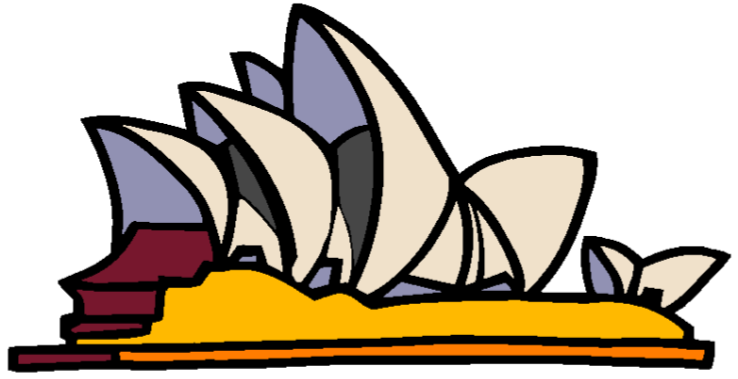
The Smart Design feature in EmbroideryStudio automates the process as follows:
- Removes or keeps the background (user choice).
- Identifies and traces objects.
- Chooses stitch types – e.g. Satin, Tatami.
- Sets stitch directions.
- Reduces colors – most embroidery uses 5–6 colors max.
The resulting embroidery generated looks like this...
And TrueView applied...
Quality considerations
- Works best with clean, high-quality artwork – few colors, sharp edges.
- For poor-quality images, results may require manual adjustment.
- Stitch type and direction rules are reasonable defaults, but not always optimal.
- Stitch counts are close to those of a professional digitizer → useful for cost estimates.
- Fabric-related parameters (underlay, density, pull-compensation) use default settings. These should be checked and adjusted before production.
API auto-digitizing calls
The process above matches the Web API calls:
API call | Result |
Converts bitmap artwork and returns EMB or machine file. | |
Converts bitmap artwork and returns TrueView PNG. | |
Converts vector artwork and returns EMB or machine file. | |
Converts vector artwork and returns TrueView PNG. |
Notes on TrueView
- 32-bit transparent PNG format.
- Can be placed over a garment image to show how embroidery will look.
- Commonly used for customer job approval.
Key points
Autodigitizing is great for:
- Generating customer previews (TrueView).
- Providing stitch count estimates for pricing.
- But it is not a substitute for expert digitizing. Designs often need editing or full redigitizing for production-quality embroidery.